 Angie Panel
Reverse proxy management
without the Docker stack
A web UI for Angie — like nginx-proxy-manager, but a plain systemd service, with certificates issued by Angie itself instead of certbot.
Why not nginx-proxy-manager?
Same job, different trade-offs. This one is built for a box that just runs — an SBC in a cupboard, a small VPS — where a container stack is overhead you feel.
Angie issues them, not certbot
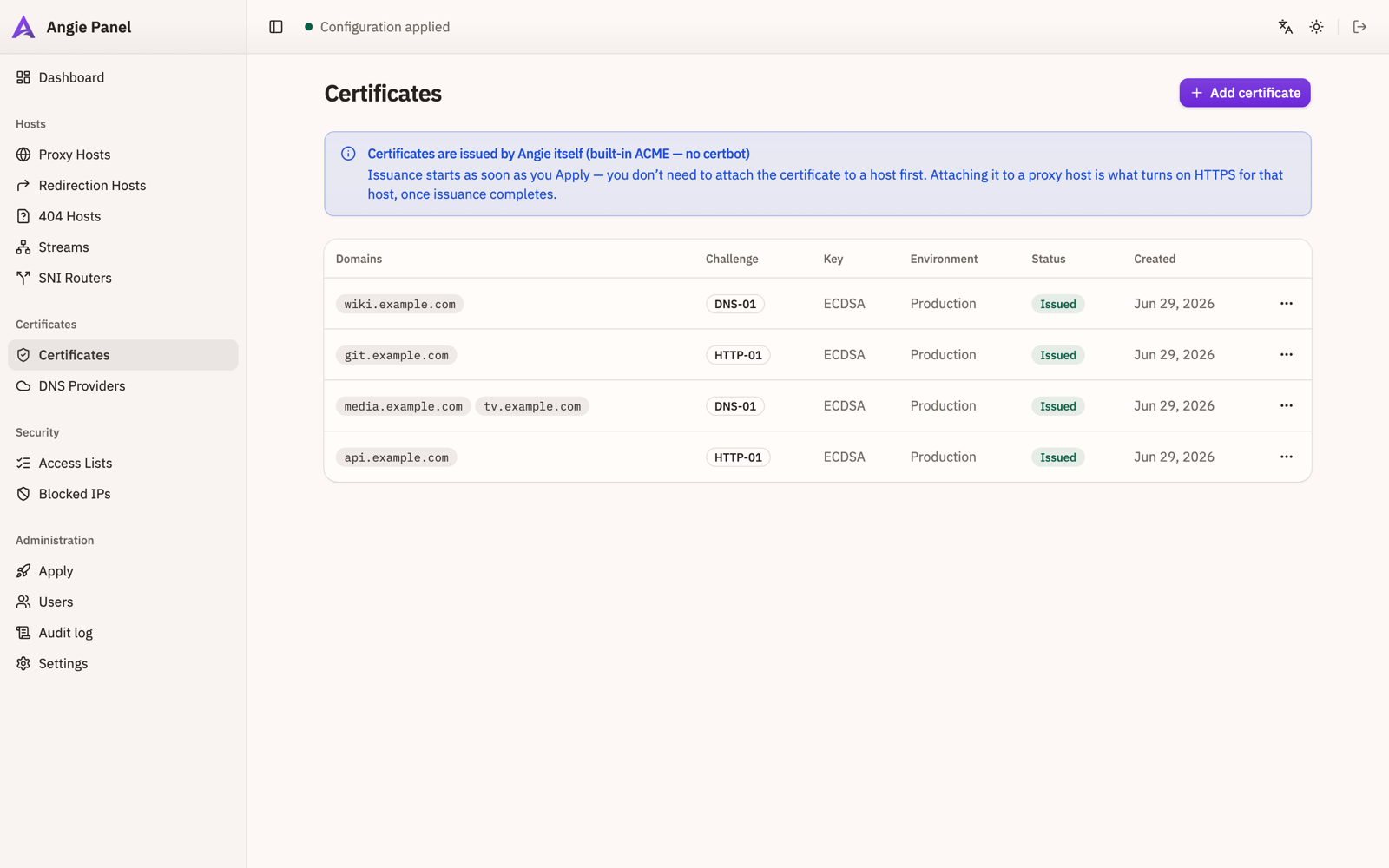
http-01, tls-alpn-01 and dns-01 including wildcards, handled by Angie's built-in ACME module. No certbot, no pip, no renewal cron — and nothing to keep alive just to hold a certificate.
The pipeline tells you the truth
You see a diff before anything is written. The staged config is validated with
angie -t, written atomically, and rolled back from a snapshot if the
reload fails. Files edited by hand on disk are detected and shown.
The panel never runs as root
Config is generated by an unprivileged user. A small auditable helper — invoked
through a systemd oneshot unit behind polkit — is the only thing that writes to
/etc.
One binary, one service
A single static musl binary in a .deb, with the UI embedded. No
runtime dependencies, no container, no database server — state lives in one
SQLite file.
What it does
Hosts
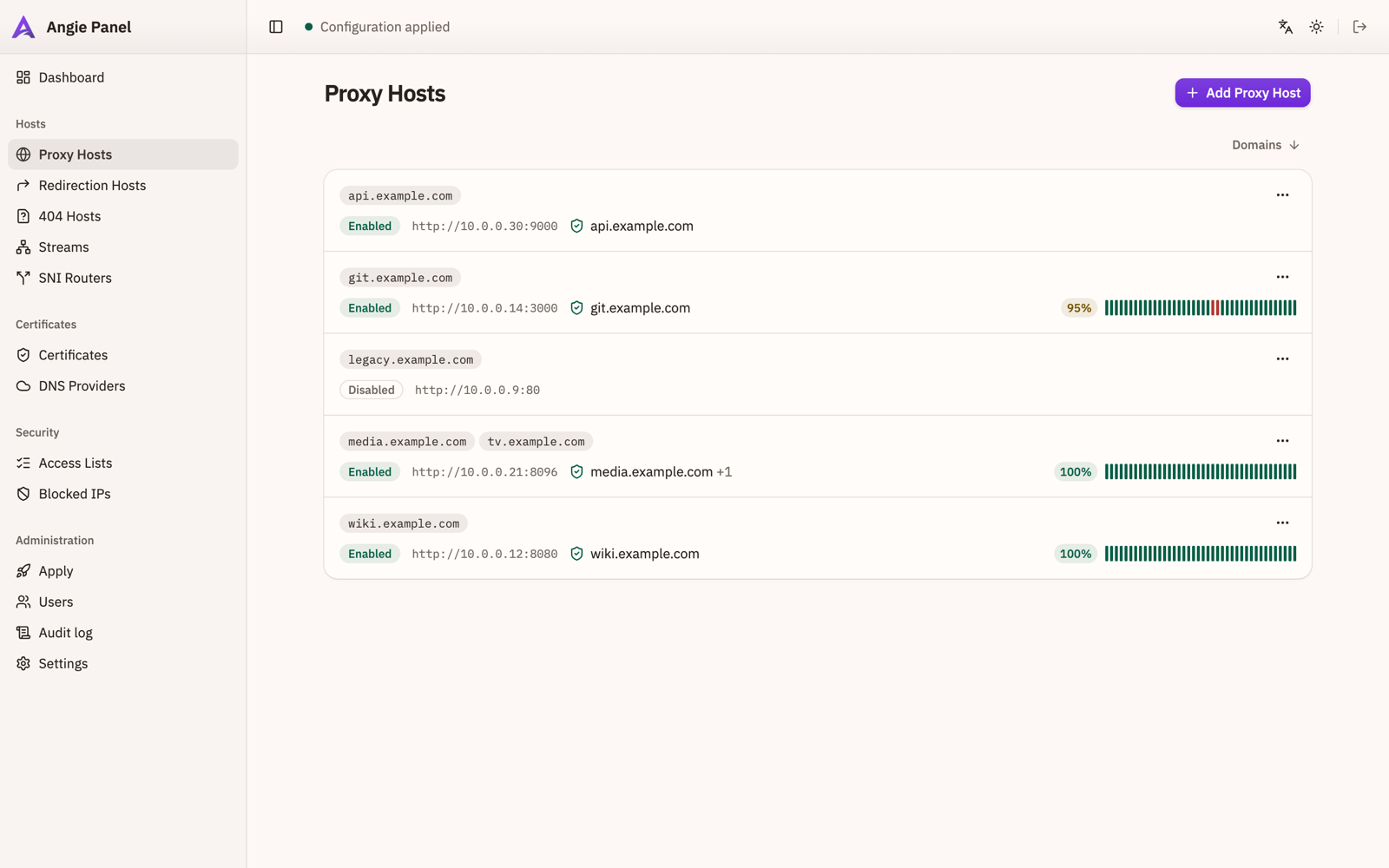
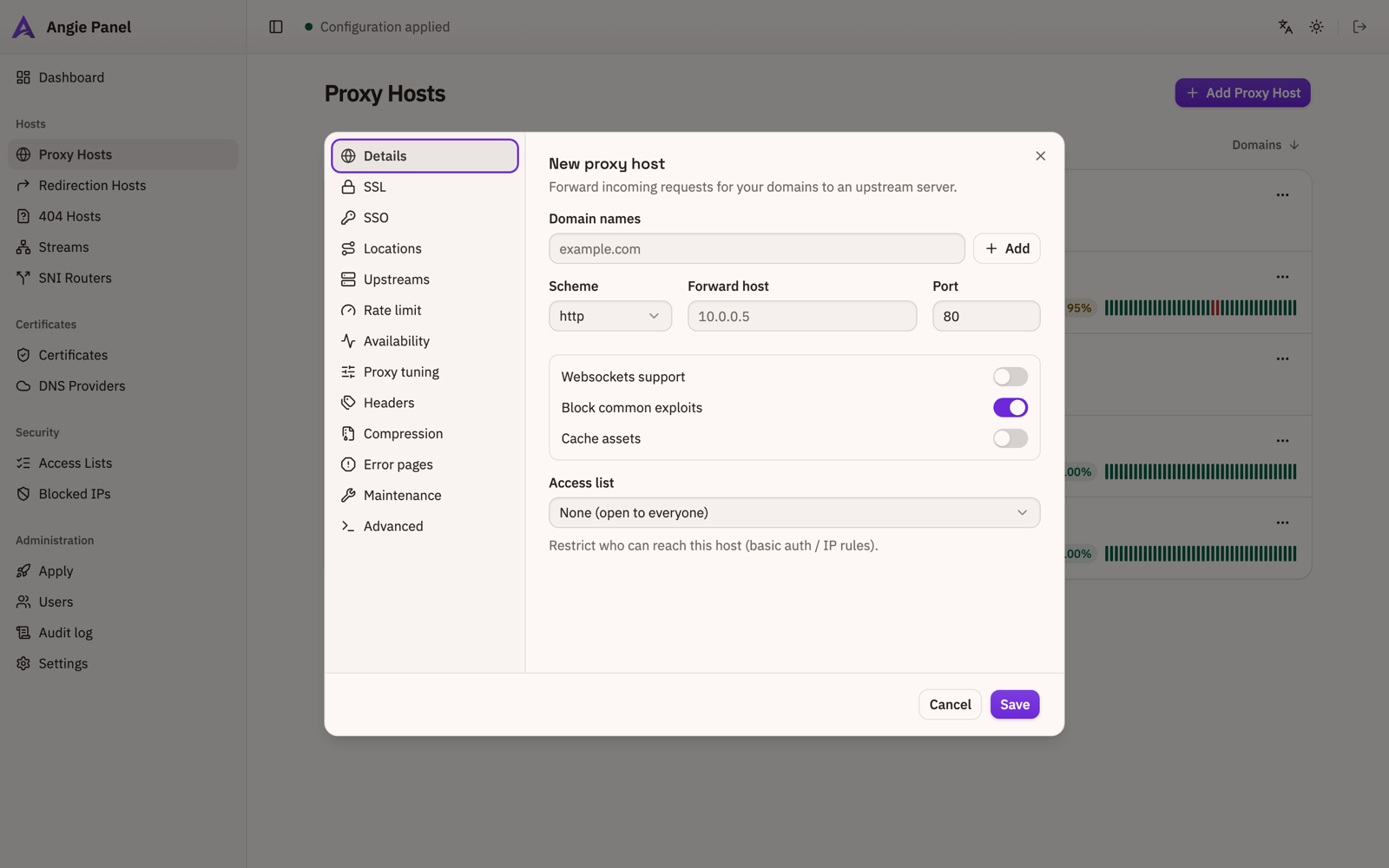
Proxy, redirection and 404 hosts, TCP/UDP streams, SNI routers. Per host: websockets, HTTP/2 and HTTP/3, HSTS, custom locations, upstreams with load balancing, rate limits, headers, gzip, error pages, maintenance mode, mTLS, forward auth.
Certificates
Issued and renewed by Angie. DNS-01 talks to provider APIs through a vendored acme.sh; the hook waits for the TXT record to reach every authoritative nameserver before letting the CA check.
Availability
Opt-in TCP and HTTP(S) checks per host, with history and an uptime bar in the list. HTTP checks go over loopback with the domain as SNI and verify the certificate.
Security
Access lists with basic auth and IP rules, an IP blocklist, GeoIP country policy, an audit log, and users with roles.
Operations
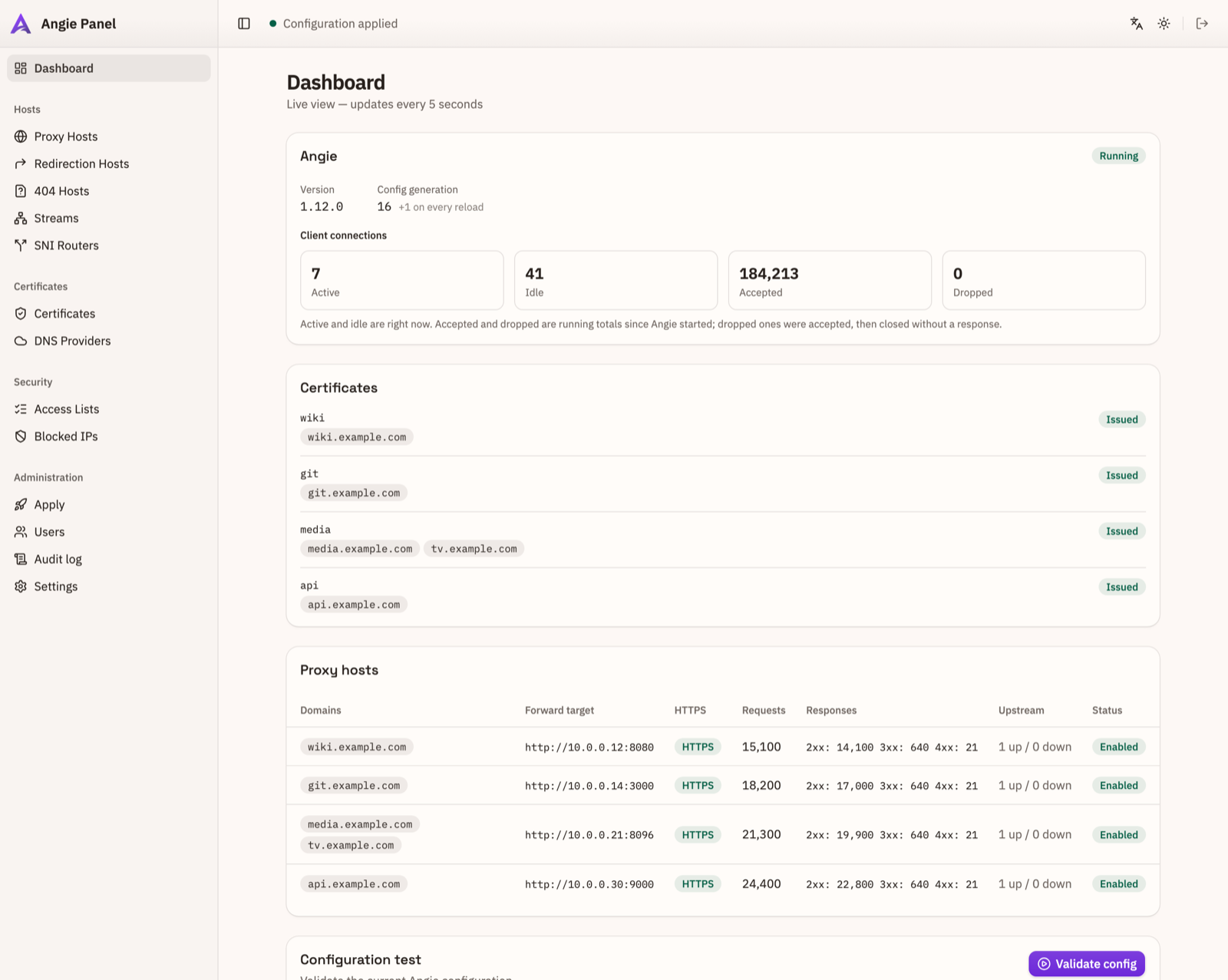
A dashboard fed by Angie's own status API, apply history, drift detection, and
config export/import as JSON. The apctl CLI drives the same API the
browser does — so scripted changes get the same validation, rollback and audit
trail — and ships for Linux, macOS and Windows on arm64 and x86_64.
Both languages
The interface ships in English and Russian, with a light and a dark theme that follow the system by default.
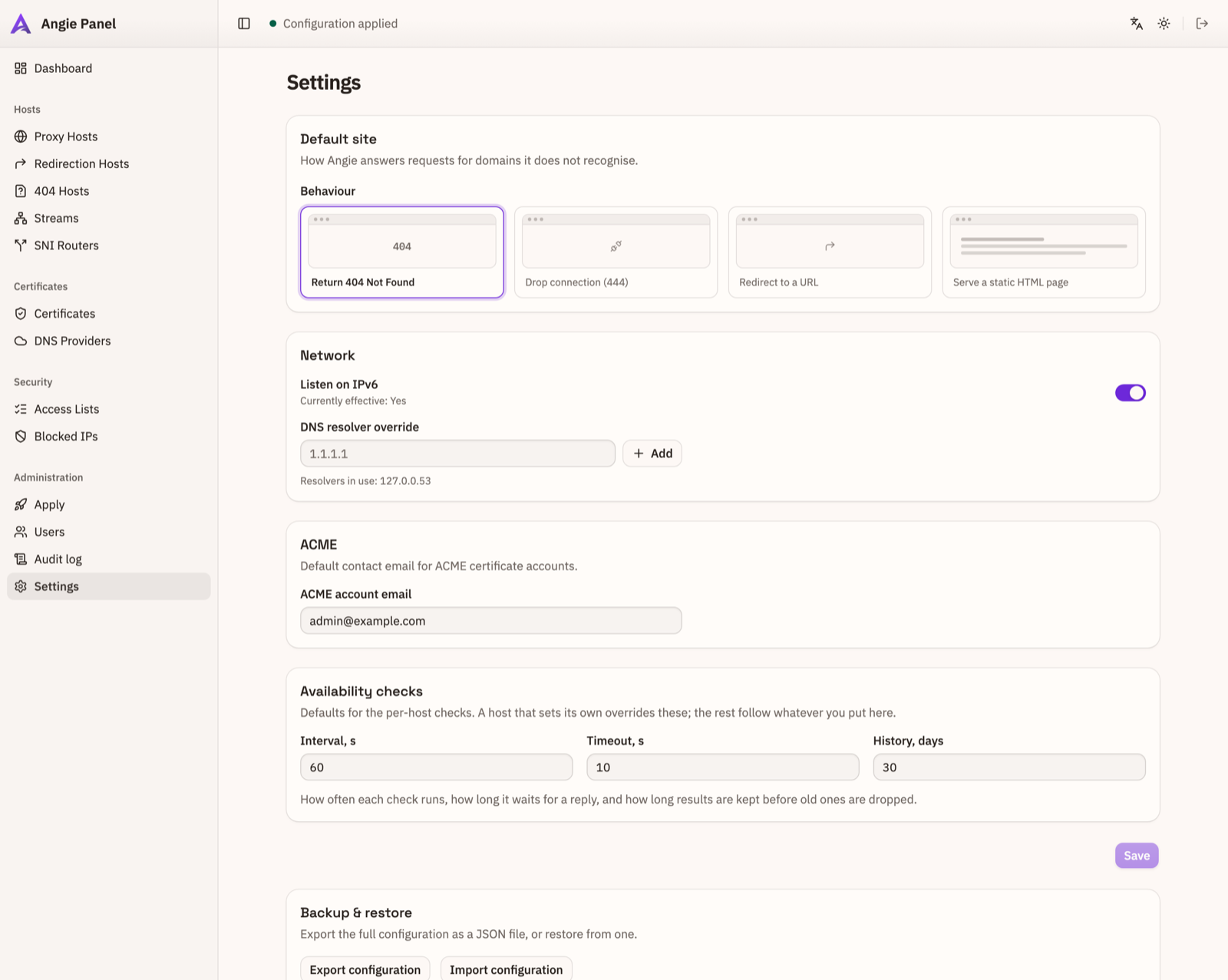
A look around
Install
Debian or Ubuntu on arm64 or amd64, with Angie already installed. The installer adds the service, the systemd units and the polkit rule.
There is no default password. Take the one-time setup token and create the first
administrator at http://<host>:8080/setup:
The command-line tool
On the panel host, apctl came with the package — no token needed, it reads
the local one. To drive the panel from your own machine, grab the standalone binary for
your platform (Linux, macOS and Windows, arm64 and x86_64) and point it at the panel:
Downloads for every platform, verification, and the full command list are in the CLI guide.